Prepare a Shared Room for a Family Video Call
A family video call can include several people in one room and relatives joining from elsewhere.

Shopping note: The retailer links in this article are ordinary links. We are not currently using affiliate tracking. If a link earns us a commission in the future, we will label it. Our disclosure.
Choose the call’s practical setting
A family video call can include several people in one room and relatives joining from elsewhere. Choose a suitable place where the local group can be seen and heard without occupying the whole household. Confirm the intended platform and joining information with the participants beforehand.
The room does not need to look like a studio. Focus on the people, a workable device position and the ordinary conversation. Avoid promising that a particular room arrangement will resolve every connection or audio problem.
Check what the camera shows
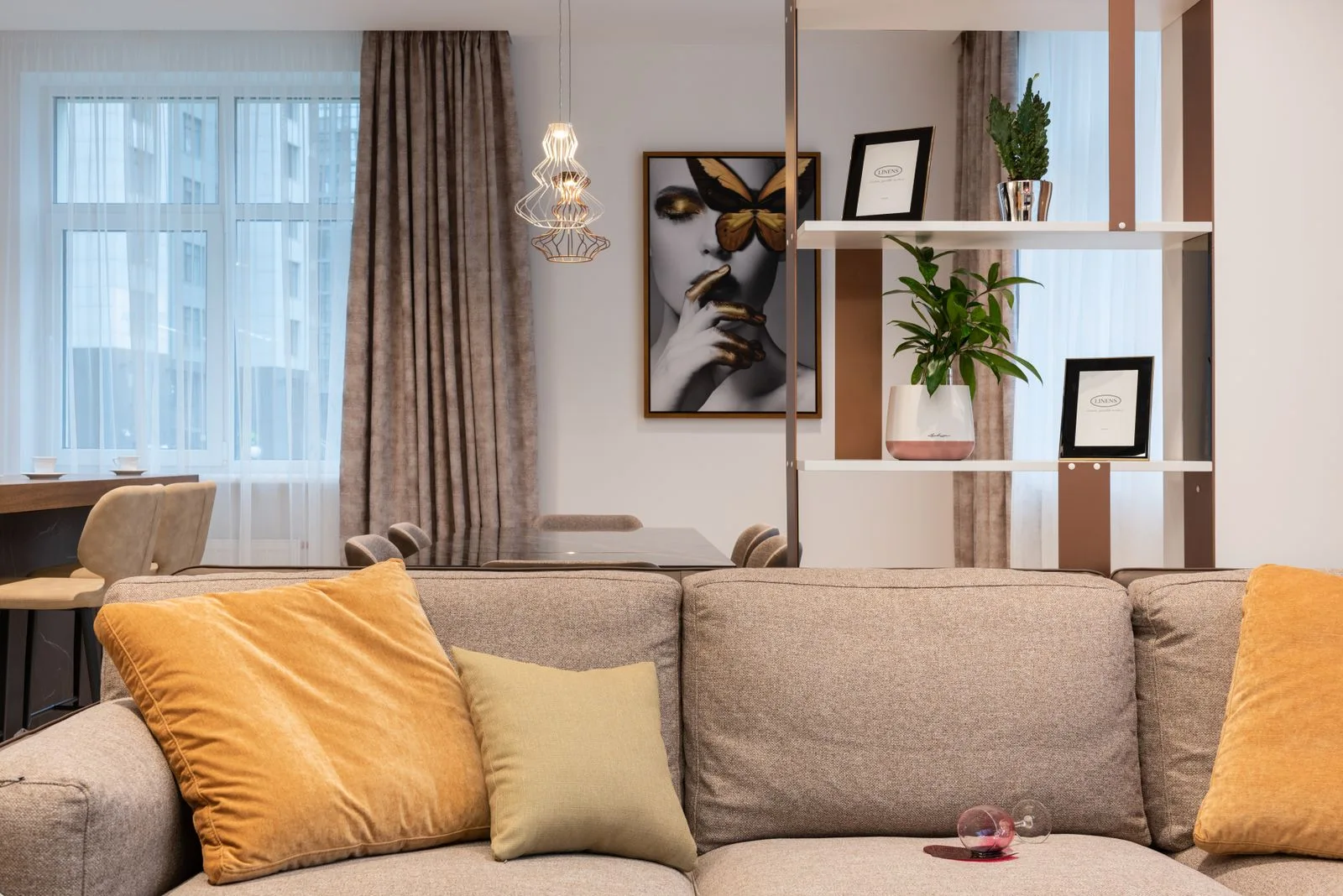
Use the device's preview to see the actual frame. Notice personal paperwork, addresses, family photographs or another person's belongings that should not appear. Move or reframe suitable objects rather than assuming a distant shelf is too small to reveal anything.
Ask the people in the room before including them. Keep children's participation and any recording or screenshot decisions under appropriate adult responsibility and household agreement. A call invitation does not automatically establish permission to publish images afterward.
Place the device appropriately
Use equipment and supports designed for the device and follow their instructions. Check the complete arrangement, including any power connection, without balancing it on an unstable stack to reach a more flattering angle.
Keep the occupied room route available. Our family-room guide supports making shared activities fit the space. If the group cannot fit in the frame comfortably, a smaller local group or another suitable position may work better than crowding the sofa.
Agree who helps the conversation flow
When several relatives join, one person can explain who is present and help avoid everyone starting at once. Keep the role light; it is a conversation rather than a performance. Make room for participants to ask for a repeated sentence or a different view.
If the connection becomes difficult, discuss a suitable fallback such as another agreed channel or a later attempt. Do not spend the whole gathering changing furniture to solve a problem that may lie elsewhere.
Return the room after the call
Close the session and follow the platform's ordinary privacy and account controls. Return temporary equipment under its own requirements. Check that household belongings moved out of the frame go back to their appropriate positions.
Our family time at home guide supports plans that can adapt. Keep a brief note of any useful arrangement for the next call, but avoid leaving the room permanently staged around an occasional camera view.
Video-call questions
Must the background be empty? Choose what is appropriate to show and protect private information.
Can screenshots be shared automatically? Ask the people involved and follow the household's appropriate permissions.
What if the whole group cannot fit? Change the participation or suitable device position rather than crowding an unsuitable seat.